
A small check goes a long way

Web and guide checks need only a browser. In-game and collector tests need an agreed package and maintainer approval. Nobody needs to spend gold, buy beta access or install a desktop app to help.

These are suggested assignments, not a live claim queue. Tell the team which task you are taking in help-support, then use the report below. Maintainers review results manually.

Choose a task
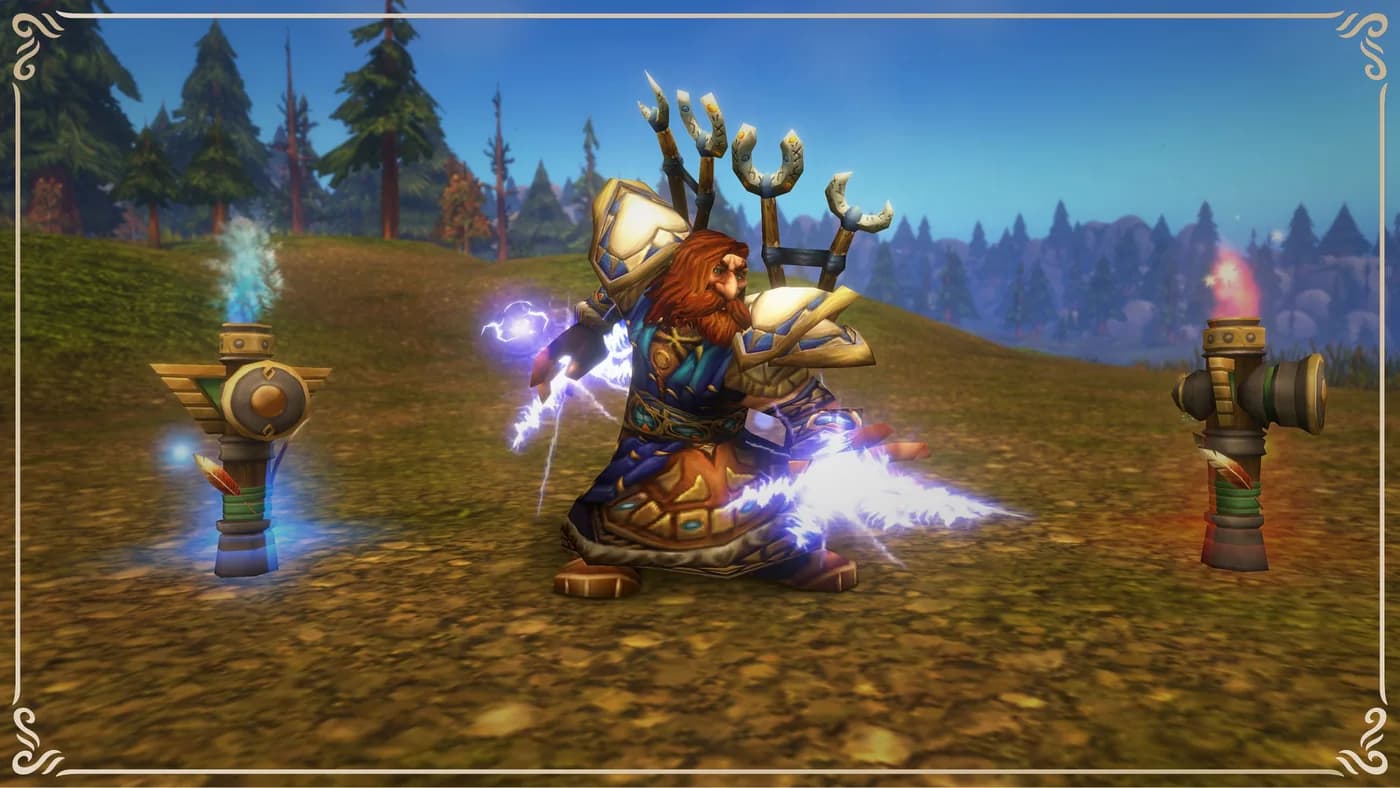
A dwarf shaman among totems in Blizzard's Forever preview

FIVE WAYS TO CONTRIBUTE

Pick one assignment

Report template
Open browser check

Read one market quote

15 minutes

Can a new visitor tell which market they are reading and how old its prices are?

Assignment steps
  1. Select a market and record its displayed label, catalog build, last scan and history status.
  2. Find one item or recipe. Check whether you can identify its inputs and tell a listing price from an observed sale.
  3. Repeat on a phone or narrow window. Record any obscured controls or confusing warnings.
  4. Report a missing or stale scan as the state you observed, not automatically as a bug. Do not buy items just to complete this check.

A useful result: One item, one dated observation and reproducible steps. A clear result with no problem found is useful too.

Open browser check

Check a starter guide

15 minutes

Find a step that is missing, unclear or no longer supported by an official source.

Assignment steps
  1. Read the friends checklist and open its official sources.
  2. Choose one statement to check. Note the section, source URL and date.
  3. Try the guide on mobile and follow one related link.
  4. Suggest the exact replacement wording. Separate a source correction from a personal preference.

A useful result: One specific correction with a source, or a dated confirmation of the section you checked. Do not claim a whole guide was tested in game after only reading it.

Maintainer approval required

Verify one addon feature

20-30 minutes

Produce a narrowly scoped compatibility result, not a blanket works-on-Forever badge.

Assignment steps
  1. Agree on an existing approved package and feature with its maintainer. Do not install an unreviewed binary for this task.
  2. Record addon version, client version and build, operating system and the feature being exercised.
  3. Back up your own configuration before testing. Record required dependencies and the exact actions taken.
  4. Report pass, fail or not tested for that feature only. Stop if the content or access needed is unavailable.

A useful result: A maintainer-reviewed result tied to one feature and exact versions. Guild raid-addon testing remains blocked until the relevant content is available.

Maintainer approval required

Run one approved collection test

One agreed test window

Check one upload without exposing private data or starting unattended collection.

Assignment steps
  1. Wait for maintainer approval of your exact package, platform, upload limit and private diagnostic route.
  2. Use only the documented player-initiated scan procedure and the approved save/upload sequence.
  3. Record whether the app accepted the upload and whether the intended market freshness changed.
  4. Stop after the agreed test. Do not publish tokens, SavedVariables, raw uploads, local paths or account screenshots.

A useful result: One acknowledged test result returned privately through the route agreed with the maintainer. No automatic upload schedule or public diagnostic attachment.

Open browser check

Rehearse a group post

15 minutes

Check whether another player can understand the plan without a second round of questions.

Assignment steps
  1. Copy the blank group template and fill it for a proposed session privately.
  2. Check region, character ruleset, faction, calendar date, named time zone and UTC conversion.
  3. Ask a consenting participant to explain the start time, finish, needed roles and loot rules back to you.
  4. Report an unclear field or instruction. Do not submit a fake event to the public board; publish only a real session you will host.

A useful result: One usability finding or confirmed worksheet check. An actual hosted session is a separate commitment.

ONE RESULT PER REPORT

Leave a useful trail

For a non-sensitive browser or guide result, use help-support in our Discord and include the task ID. Check for an existing report first, then keep follow-up in the same conversation.

Ordinary channels and report forums are member-readable. Do not post credentials, account details, private chat, raw scan files or app diagnostics. For collector results or security concerns, ask a maintainer for a private route before sharing details.

Posting feedback does not automatically create a website record or compatibility badge. Maintainers review, reproduce and request a retest where needed. Public credit is optional and requires your approval.

Open the Discord page
Download text
Task ID:
Date and time (include zone):
Page URL or approved package:
Browser / operating system:
Client build / addon version (if relevant):
Selected market / scan age (if relevant):
Feature or section checked:
Steps to reproduce:
Expected result:
Actual result:
Result: pass / fail / not tested
Impact: blocked / confusing / cosmetic / information correction
Official source URL (for a factual correction):
What remains untested:
Public screenshot attached only after removing private information: yes / no
Public credit requested: no / approved display name