
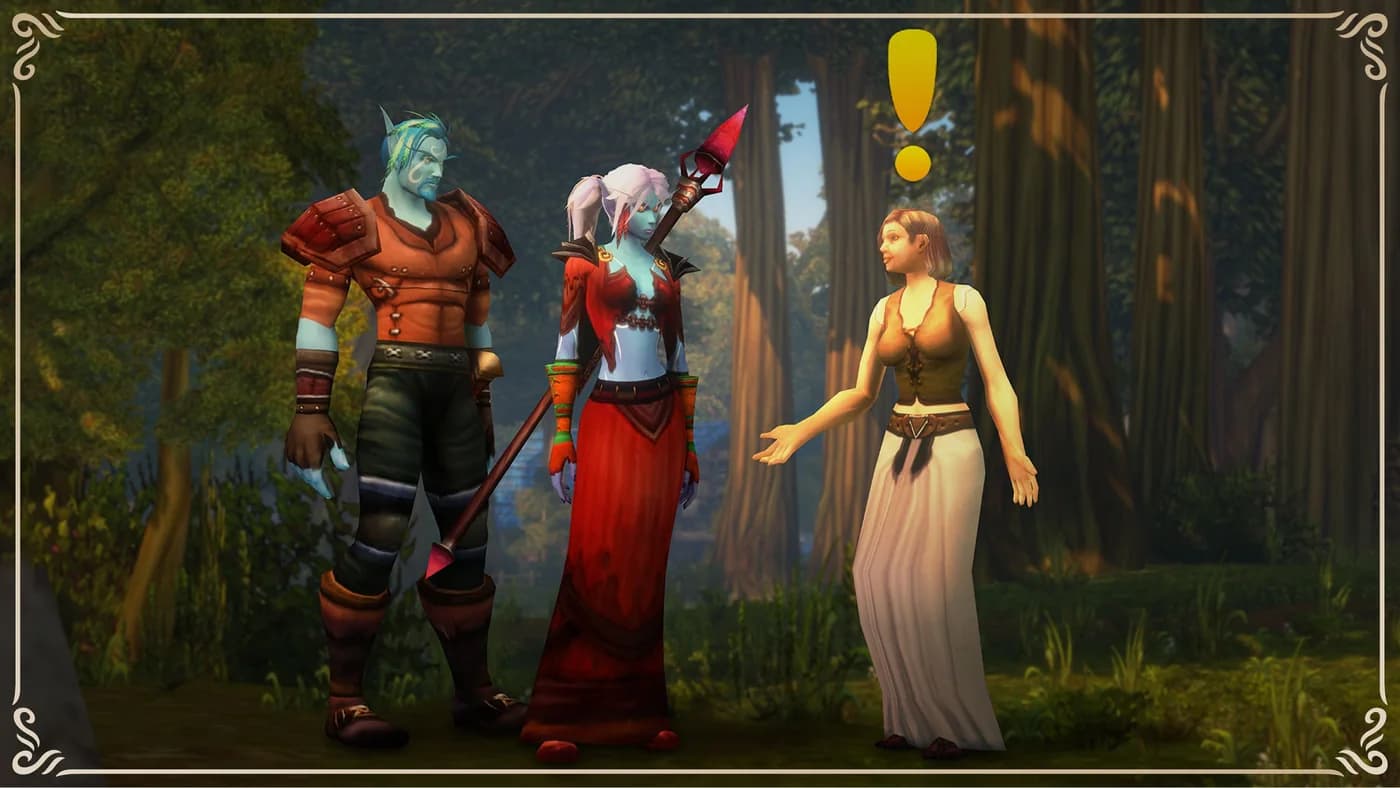
Start at the WoW Forever Discord invitation page. It holds this community's current invitation, so you do not need to track down a replacement when an old invite expires. We are an independent fan community, welcoming Alliance and Horde players interested in PvE, PvP, and roleplay.
Check the invitation before joining
Open the invitation and check the server name in Discord's preview. You should be joining WoW Forever Discord, not a similarly named server. Use the Discord account you intend to play with; joining on an old account can make it look as though your roles or conversations have disappeared.
The website's member and online counts are approximate figures from Discord, not a count of moderators currently available. A temporary failure to load those figures does not necessarily mean an invitation is expired. If the website confirms that no invitation is available, return to the same public page later.
Find your region and interests
Channel layout checked through the server bot on October 7, 2026. In Start Here, read rules, follow Discord's current welcome questions, and use introductions for your first hello. announcements, useful-links, and faq hold updates and references. Channel names here omit decorative emoji prefixes. The historical screenshots below were supplied by the owner on September 29; some labels have since changed, so use the checked names in this text rather than copying the old images.
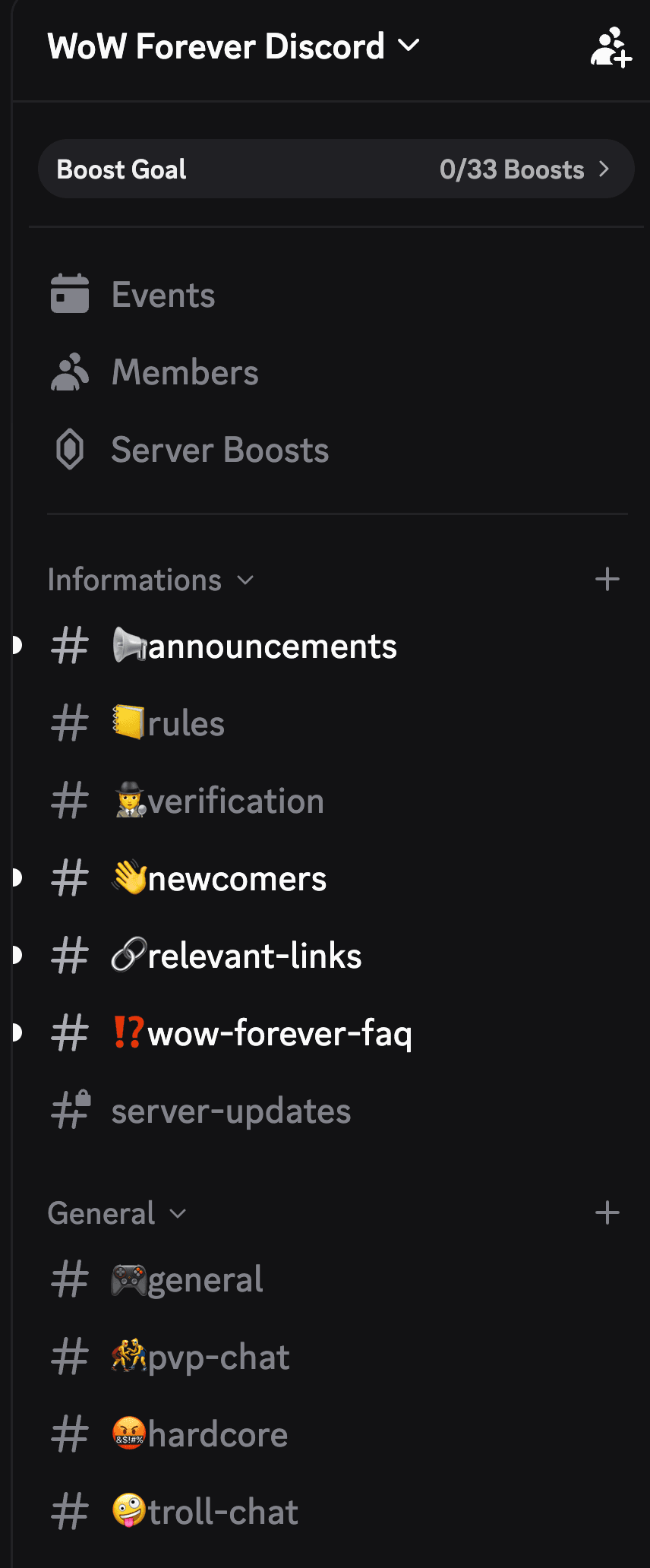
Choose the available roles and spaces that match your region, faction, and interests. EU and NA organizer assignments are established; a regional label is not a promise of around-the-clock coverage or a confirmed game realm.
On a phone, open Discord's channel list rather than staying in the first conversation you land in. If a space is missing, check your selected roles and the server's available channels, then ask staff for help. Exact channel labels belong to the server's current setup and can change; follow its welcome instructions rather than a copied channel name from another community.
You do not need to see every conversation. Start with the activities you actually want, and adjust your notification preferences when you know which groups matter to you.
Make a useful introduction
Give people enough information to suggest a group: region, faction, preferred role, usual availability, and what you enjoy. Your real name, address, employer, and account details are unnecessary.
Example introduction: EU Alliance player, usually free after work. I enjoy relaxed dungeon groups and can play a healer. Looking to meet people before committing to a raid roster.
This is an example, not a real member testimonial. Replace the details with your own preferences. You can belong to the community without joining the organizers' guild.
Choose a guild or a single session
For a long-term home, browse the guild directory and compare schedules, language, playstyle, and contact details. Our guild-selection guide explains which questions are worth asking before a trial.
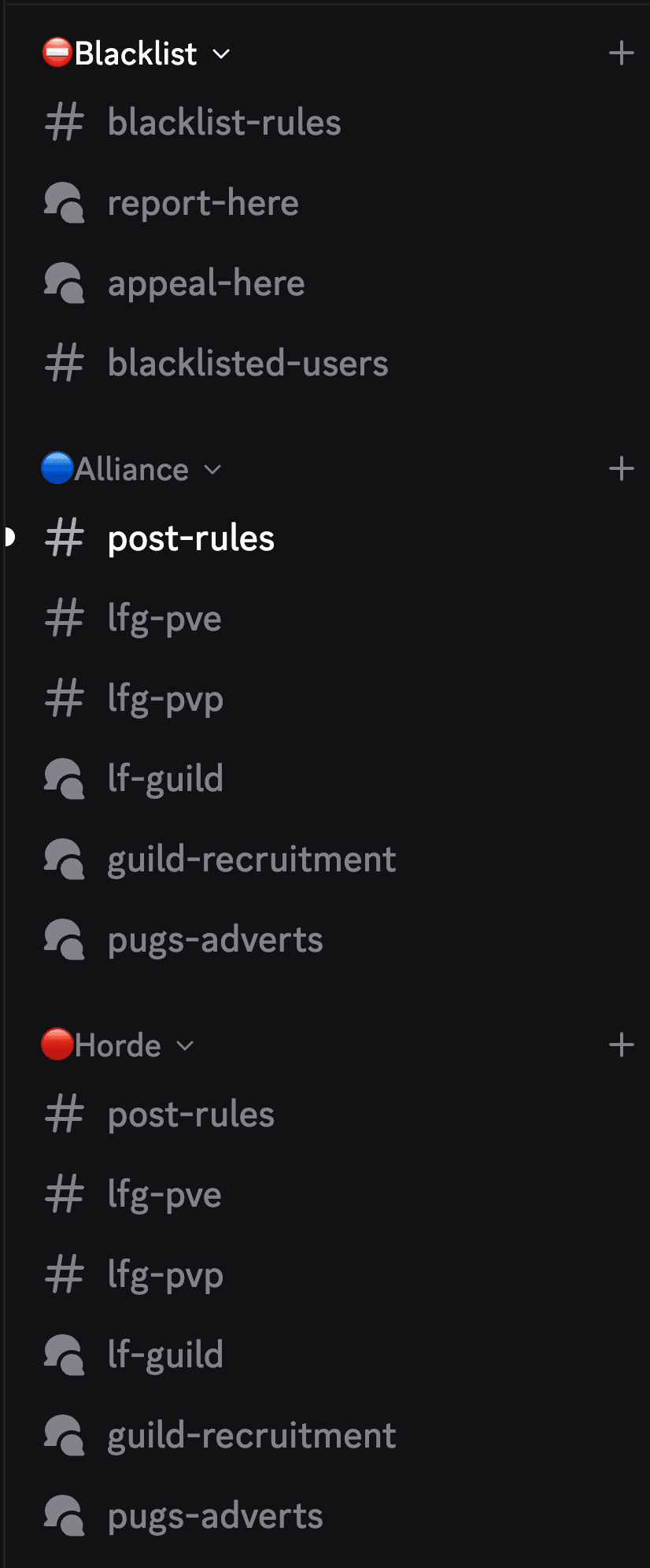
In Discord, both Alliance and Horde have post-rules, lfg-pve, lfg-pvp, lf-guild, guild-recruitment, and scheduled-runs. The group and recruitment spaces are forums: open a relevant post or create one with the requested details and tags, rather than dropping an unrelated message into another group's conversation. Read post-rules first. Use lf-guild when seeking a guild, guild-recruitment when advertising one, and scheduled-runs for planned sessions. group-leveling is a separate community forum.
For one evening, you can also use the website's looking for group. Read the region, faction, time zone, activity, and organizer's expectations before making contact. The group guide covers what a complete post should contain. A listing is a way to start a conversation, not an automatic signup or guaranteed place.
For addon questions, read tool-rules under Addons & Tools. Use addon-discussion for conversation, tool-directory for tool posts and tool-support for a specific support request. Trading has trade-rules and the alliance-trade, horde-trade, and auction-house forums. Auction tips depend on contributor scans; silence is preferable to a recommendation based on stale data. Public forums are not private places to share evidence or account details.
Find your class discussion and compare a build
The Classes category contains all nine channels below. You do not need a separate class-server invitation. Ask a specific question in your class channel and use the linked public Helper calculator to compare your idea. These tools are maintained separately from Blizzard; a recorded talent is not proof of current beta balance or a recommended best build.
| Class channel | Talent calculator and spellbook |
|---|---|
| warrior | Warrior calculator |
| paladin | Paladin calculator |
| hunter | Hunter calculator |
| rogue | Rogue calculator |
| priest | Priest calculator |
| shaman | Shaman calculator |
| mage | Mage calculator |
| warlock | Warlock calculator |
| druid | Druid calculator |
Include the game version, client build if known, level, intended role and activity. Distinguish what you personally tested from a theory or a tooltip you read. A dungeon-tanking question, a leveling question and a PvP question can have different answers even for the same class. Check the calculator's source/build labels before sharing its result; never silently substitute TBC talents for Forever evidence.
For a first evening, introduce yourself, open one class conversation, and browse one actual group post. If nothing fits your hours, post a concrete request with a date, region, faction, ruleset and desired role. There is no need to join every channel or wait for a complete raid roster before meeting people.
If something does not work
- An old invitation fails: return to the current invitation page instead of repeatedly trying a copied link.
- The wrong account is signed in: check the account in Discord before accepting again.
- A channel is missing: review the welcome flow and available roles, then contact staff without posting private account information.
- No group fits your hours: introduce yourself or submit a clear group post; an empty search does not mean you need to change guilds.
Never enter a Battle.net password into a community message or download a file sent as an account-verification requirement. Use the services' own verified settings for any account linking.
Know where to get help
Read the community rules. Members can report scams or griefing in report-here and discuss appeals in appeal-here, but other members can read those forum posts. Do not post private messages, personal details, or sensitive evidence there. Use the website's private reporting process or appeal form for a private website case. A Discord forum post is not an automatic website submission or a verified finding.
No addon is required to join, and community staff cannot restore items or manage your Blizzard account. For official game announcements and account support, use Blizzard's website.
Ready to meet people? Open the current WoW Forever Discord invitation.
Invitation troubleshooting by symptom
Start with what Discord actually says, rather than assuming every problem means the invitation expired. The actions below follow Discord's invitation support guidance, checked September 30, 2026.
| What you see | What to check next |
|---|---|
| Unknown or expired invitation | Open the current link on our Discord page. An old copied invitation may no longer work |
| Invalid invitation | Open the original link rather than retyping its case-sensitive code. Ask staff for a replacement if it still fails |
| Server limit reached | Check Discord's current account/server limit. This is an account limit, not proof the community invitation is broken |
| A ban message | Ask the server's administrators about review. Do not make replacement accounts or evade a ban |
| Joined, but channels are missing | Check the signed-in account, rules, the current welcome questions, selected roles and available channels |
On mobile, confirm that the browser and Discord app are using the account you intended. If opening the app loses your place, return to the website's invitation page and check the preview again. Never share a login code, session token or password with someone offering to fix access.
When you cannot reach the server
If you can enter, ask staff in the welcome/help spaces and describe the error without exposing account information. If you cannot join at all, use the public contact details, when supplied, on our About page, or Discord Support for account/client problems. The website's appeal form is for reviewed website alerts, not a way to lift a Discord server ban.
Useful details are the error wording, whether you used the website's current link, and whether it happened in the browser or app. A cropped screenshot of the error is enough; remove email addresses and unrelated conversations. Community staff cannot override Discord's account restrictions.
Once access works, choose one activity and one region to start. Find a session or compare guilds without changing your existing guild membership.
Written by WoW Forever Discord Team. About our organizers · Suggest an article correction in Discord