
Before arranging a WoW Forever beta session, confirm that each player can access the test, install the right client, and agree on one achievable goal. Finding a group does not grant beta access. This is a preparation guide, not a hands-on review or a promise that a particular feature is available.
Official information checked September 30, 2026. Blizzard's beta instructions say the beta is live. Selected opt-in accounts and eligible bundle purchasers can obtain access; opting in alone is not a guaranteed invitation. The announced final full test day is October 21. Check the linked official page again before making plans.
Confirm access privately
Sign in through Battle.net itself and check the account you intend to use. Do not give a group organizer your password, authentication code or account screenshot. Each player can simply confirm that they can enter the test.
If you are not selected, do not promise a session that depends on access. Joining our Discord, submitting a guild listing or installing a community addon does not unlock Blizzard's beta. There is no purchase required by this community and we do not sell invitations.
Install before the agreed start
In the Battle.net desktop app, select World of Warcraft, then choose the Forever beta in the Game Version menu under In Development and install it. Blizzard notes that eligible purchased access may take up to 30 minutes to appear and can require a launcher restart. For missing access or installation trouble, follow the official beta page's technical-support link rather than trying files sent by a stranger.
Our preparation checklist is deliberately separate from those official installation instructions:
- Leave time for downloads and updates before inviting the group.
- Check that the intended account and client open successfully.
- Agree on your voice or text contact and how to announce a delay.
- Tell the host what you have actually checked, not what you assume will work.
- Keep one fallback activity or another date in mind if the test is unavailable.
Choose one testing goal
Ask the group what it wants to learn or try, then verify that the current test supports it. A short exploration session and a carefully coordinated activity need different preparation. Agree on pace, newcomer expectations, spoilers and a firm finish.
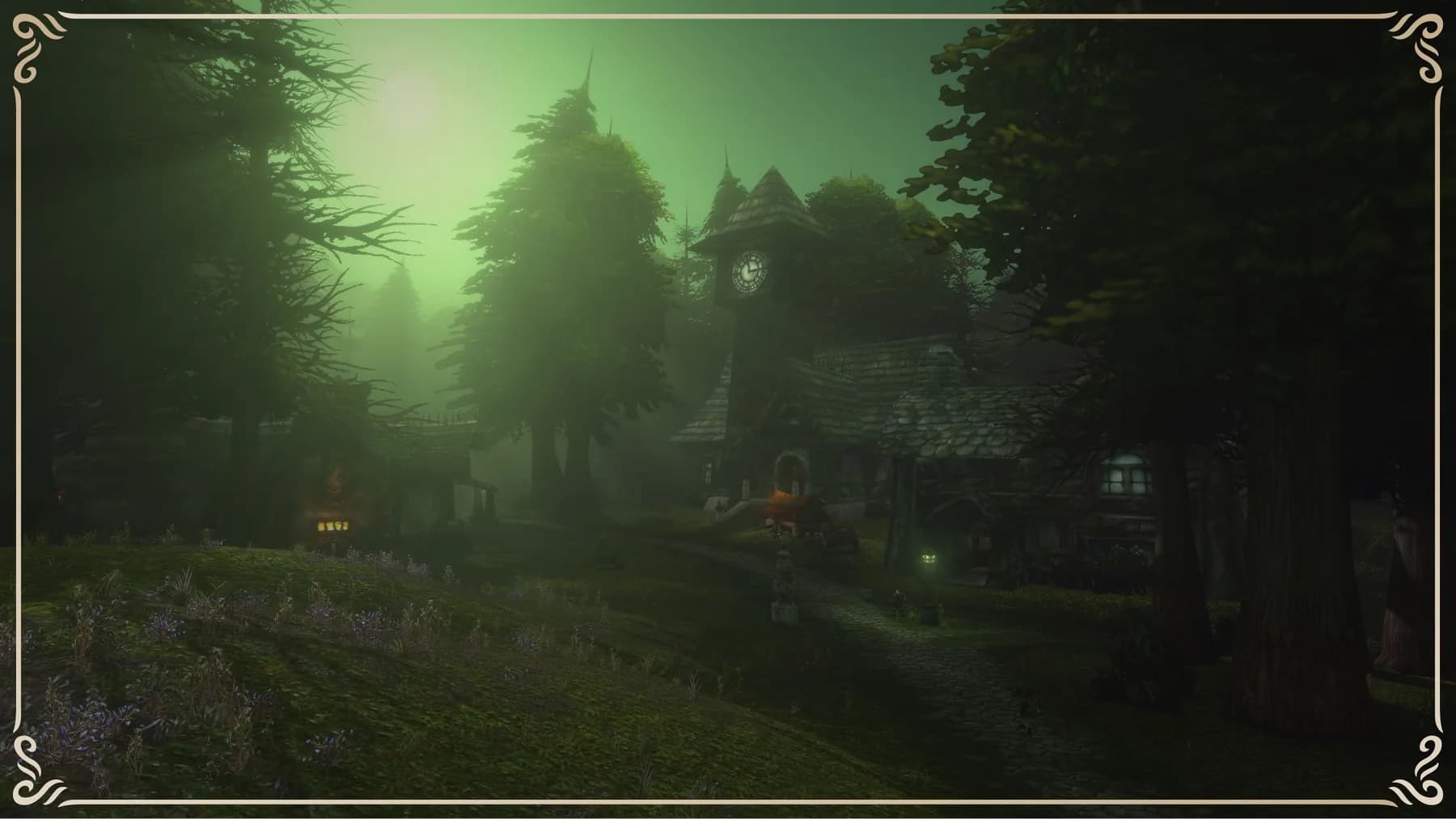
Do not turn the original announcement's week-one level limits into claims about today's build. Ruleset availability, test content and maintenance can change. The artwork on this page is approved game artwork, not a screenshot proving that our organizers tested a specific build.
Find compatible people
Use the community Discord to discuss region, faction, available hours and interests. Read the relevant faction's post-rules before using its activity-specific group channel. A role label in Discord does not establish in-game compatibility.
For a website listing, use the group-post guide and blank template. Include the calendar date, named time zone, expected finish, intended test activity and public organizer handle. Agree on region, character ruleset and faction first; see playing with friends and confirm current test availability. The website listing is reviewed and does not create an automatic Discord event or signup roster.
Agree on the fallback before login
Decide how long to wait if someone cannot enter. A host can postpone, switch to a discussion or agree another session; nobody should feel pressured to buy access to keep a social invitation. Never promise a queue bypass, account fix or guaranteed test slot.
Use the same contact point to announce changes. If you posted on both the website and Discord, update both through their current processes. A message edited in one place does not currently update the other.
Finish with useful notes
After the session, write down the date, actual client build if known, what you tried and what remains untested. Share game bugs through Blizzard's current official feedback route. For a public community recap, obtain permission for names and screenshots and leave private chat out.
Preparing for launch rather than testing? Use the friends and guild launch checklist. If official access instructions change or the beta ends, they take precedence over this dated checklist.
Written by WoW Forever Discord Team. About our organizers · Suggest an article correction in Discord